
Travel eSIMs.
Add prepaid mobile data for a trip without swapping your physical SIM, if your phone is unlocked and supports eSIM.
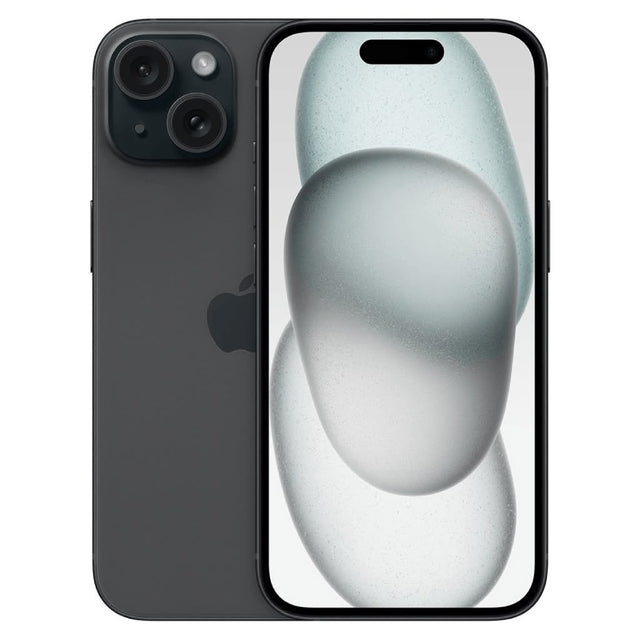
Check your phone before buying.
A travel eSIM works only on a compatible, unlocked device.
Confirm eSIM support.
Check the exact phone model and its settings. Some regional versions differ.
Confirm the phone is unlocked.
A carrier lock can prevent another provider's eSIM from working.
Check the destination package.
Review countries, networks, data, validity and whether calls or texts are included.
Install with reliable internet.
Follow the provider's instructions before travel, without activating the package earlier than directed.
Useful before you leave.
- Your unlocked eSIM-compatible phone
- Reliable Wi-Fi for installation
- The provider's QR code or activation details
- A saved copy of setup instructions
Know what the package covers.
Many travel eSIMs provide data only. Coverage, supported networks, hotspot use, validity and top-ups depend on the package.
Keep your regular SIM settings and roaming choices in mind so your phone does not use a more expensive connection by mistake.
Travel eSIM questions.
Will an eSIM replace my regular SIM?
Usually it adds another mobile line or data profile. How both lines work together depends on your phone and settings.
Does every package include calls and texts?
No. Some packages are data only. Check the exact inclusions before purchase.
When should I install it?
Install while you have dependable internet, then follow the provider's instructions about when the validity period begins.
Can coverage be guaranteed?
No. Service depends on the destination, local partner networks, the device and the selected package.
Visit 519 Tech Services.
25 Industrial Dr., Unit 1C, Elmira, ON N3B 3K3
Monday–Friday, 10:00 a.m.–5:30 p.m.